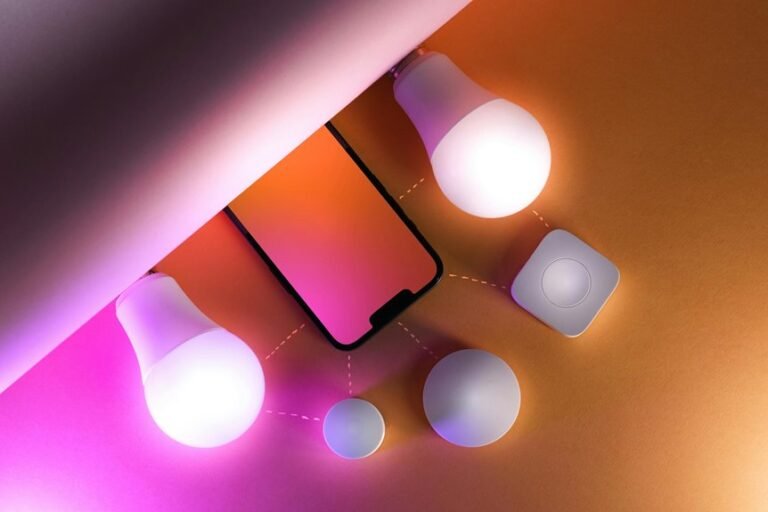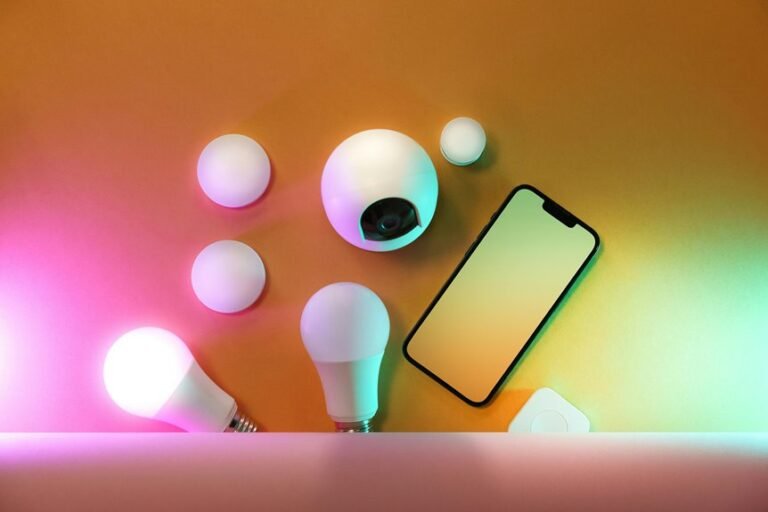
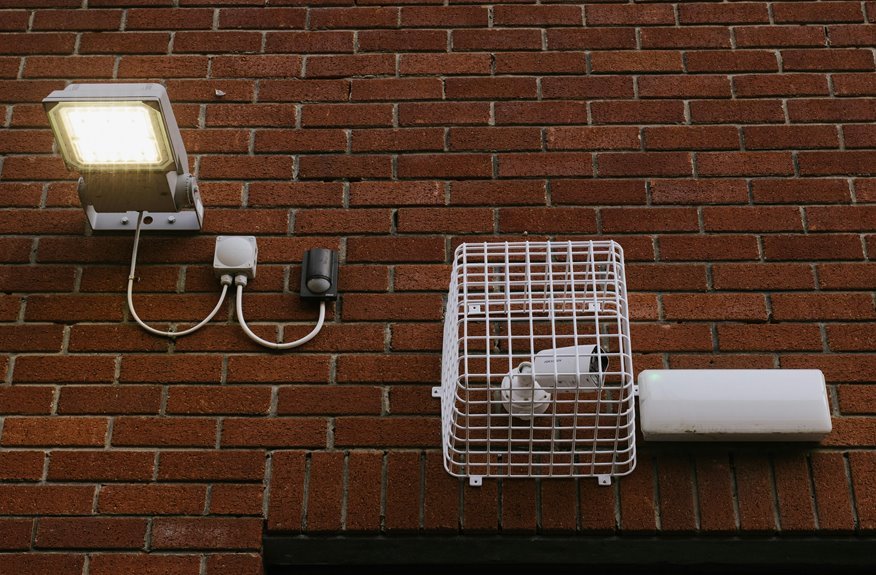

Smart lighting can add convenience, but it can also create security risks without the right setup. Weak passwords, outdated firmware, and poor network settings can give outsiders a way in. Many connected devices already carry known flaws, so smart lights deserve the same care as any other device on your network. This article shows where common risks start and how simple steps can help keep your system safer.
What Are the Biggest Smart Lighting Risks?
Why do smart lights create such big security risks? Because they don’t work alone. They join the same digital community as sensors, gateways, and city networks, so one weak point can affect everyone. As you look at the threat environment, the biggest risks come from unauthorized control, stolen traffic or pedestrian data, and lighting networks becoming launchpads into other systems you rely on.
That leads to real operational consequences. Should someone manipulates light levels, people might feel unsafe walking, driving, or gathering after dark. Should ransomware hits, whole districts could go dark and leave your community isolated. Attackers can also use connected lighting to spread malware, disrupt services, or trigger DDoS attacks.
Common Vulnerabilities in Smart Lighting Systems
The biggest risks you just saw usually start with simple weaknesses inside the lighting system itself. When your devices ship with default passwords, weak authentication, or open setup modes, they invite trouble into a space that should feel safe and shared.
Another common gap appears when different brands don’t follow the same security rules. You might connect smart bulbs, sensors, gateways, and apps, yet one poorly protected part can weaken the whole group. Legacy firmware also creates risk because old code often misses needed fixes. Poor integration between controls and networks can expose IP-based devices, sensor data, and management tools. If commissioning settings stay on after installation, you leave extra doors open. That’s why your lighting system needs secure updates, consistent settings, and careful configuration from every connected component.
How Smart Lighting Attacks Typically Happen
You face smart lighting attacks when weak passwords, default logins, or poor authentication let intruders get into your system.
From there, they often use hubs, gateways, or other connected devices as an easy entry point to move deeper into your network.
Provided that you understand these common paths, you can spot risks earlier and protect more than just your lights.
Exploiting Weak Authentication
Although smart lighting feels harmless, weak authentication often gives attackers the easiest way in. If you use password reuse or weak credentials, you give outsiders a simple path to your bulbs, switches, sensors, and control apps. They don’t need movie-style hacking. They just test common logins, default passwords, or stolen account details until something works.
Once they get in, they can impersonate trusted users and issue commands that seem legitimate. That means you may see lights dim, flash, or shut off without warning. In larger spaces, unauthorized access can also expose sensor data, including traffic or pedestrian patterns.
Even worse, one compromised account can help attackers spread malware or stage broader disruptions. You protect your community when you require unique passwords, stronger sign-in rules, and regular account reviews for every user.
Network Entry Through Hubs
Weak passwords open the door, and hubs often show attackers where to walk next. Whenever you connect many lights, sensors, and switches through one hub, you create a shared meeting point. If attackers breach it, they can scan IP devices, steal traffic data, or jump into other systems. That’s how lighting can become a launchpad.
Because hubs link old sensors with newer controls, gateway exposure grows fast whenever updates lag or setup stays weak. You protect your community through treating the hub like a front gate, not a forgotten closet.
Start with hub hardening: change default passwords, patch third-party gateways, encrypt Zigbee or BLE during commissioning, and disable setup sensors after install. Then segment lighting on its own VLAN, require authentication, and watch logs. These steps help everyone stay safer together.
First Steps to Secure Smart Lighting
Because smart lighting connects to your wider network, the initial step is to lock down the basics before anyone can misuse those lights or the data they collect. Start with clean initial commissioning steps, and make sure every fixture, sensor, gateway, and app follows secure device onboarding basics from day one.
Next, verify that each product comes from a trusted source and supports current security standards. During setup, encrypt BLE and Zigbee links, update gateway firmware, and disable commissioning sensors after installation. Keep legacy devices off the same segment if they can’t meet modern protections.
You should also check how sensors handle traffic or pedestrian data, since that information can reveal community patterns. As soon as you secure these initial details, you help your whole team feel safer, more connected, and ready to trust the system together.
Use Strong Access Controls for Smart Lighting
Once your setup is secure, strong access controls become the next layer that keeps smart lighting from turning into an easy entry point for attackers. You protect your community if you require unique passwords, multi-factor login, and role-based permissions for every dashboard, app, and gateway.
From there, tighten who can touch what. Use least privilege management so installers, operators, and vendors only get the access they truly need. Limit admin rights, review accounts often, and remove old credentials fast if roles change. Add physical access control too, because unsecured panels, gateways, or maintenance closets can undermine digital safeguards.
If your team shares clear rules and follows them together, everyone helps protect lighting, sensor data, and public trust. That shared discipline keeps unauthorized users out and makes your smart system feel safer for everyone.
Segment Smart Lighting From Other Devices
You should place your smart lighting on separate VLANs, so a weak bulb or sensor can’t open a path to your other devices.
You also need to limit device communication, because your lights shouldn’t freely talk to cameras, laptops, or building controls unless you allow it.
And should you offer guest Wi-Fi, keep it isolated, so visitors can’t wander anywhere near your lighting network.
Create Separate VLANs
While smart lighting can save energy and improve city services, it shouldn’t share the same network space as office computers, cameras, door systems, or public Wi-Fi. If you create separate VLANs, you give your lighting its own lane. That helps your whole team feel safer and more in control. Good vlan design strategies also support guest network isolation, so visitors don’t wander near critical controls.
| VLAN | Devices | Benefit |
|---|---|---|
| Lighting | Fixtures, gateways | Reduces exposure |
| Admin | Staff computers | Protects work data |
| Security | Cameras, access panels | Shields safety tools |
Limit Device Communication
Separate VLANs set the boundary, and then limiting device communication decides what can cross it. You protect your smart lighting community by allowing only the traffic each device truly needs. That keeps compromised sensors, switches, or controllers from reaching systems they don’t belong to.
- Allow lights to talk only to approved controllers and local control gateways.
- Block direct paths from lighting devices to business apps, cameras, and door systems.
- Apply commissioning limits so setup tools, BLE links, and temporary services shut down after installation.
- Use access rules that permit required ports, protocols, and update servers, while denying everything else.
This approach helps you reduce vectoring, sniffing, and malware spread. More significantly, it gives your team a shared, safer space where every connected device knows its lane and stays there.
Isolate Guest Access
Because visitors often connect phones, tablets, and laptops without considering twice, guest access needs its own lane far away from smart lighting. When you keep guest devices off the same network, you protect bulbs, hubs, sensors, and controls from casual risk. That sense of order helps everyone feel welcome without exposing the systems you rely on daily.
Start with guest network isolation on your router or controller, then place lighting on a separate VLAN or secured SSID. This creates clear visitor device separation, so an infected phone can’t probe IP-addressed lights or jump toward other smart devices.
Next, disable unnecessary sharing, block local discovery, and limit guest traffic to internet-only access. Should you manage a shared space, label networks clearly. People connect faster, ask fewer questions, and your lighting stays part of a trusted community.
Keep Smart Lighting Firmware Updated
If you want your smart lighting to stay safe, keep its firmware updated on a regular schedule. Updates fix known flaws, close easy entry points, and help your system stay trusted by everyone who depends on it. They also support a healthier firmware lifecycle, so your devices age with fewer surprises.
To make patch deployment easier, build a simple routine your team can follow:
- Check vendor notices every month for new fixes.
- Test updates on one device before wider rollout.
- Track version numbers for bulbs, hubs, sensors, and gateways.
- Replace products that no longer receive support.
This habit protects you from avoidable trouble, including device takeover and malware spread. It also shows your community that you care about shared safety. Consider updates as regular tune-ups, just with fewer greasy hands involved.
Secure Wireless Protocols and Connections
To protect your smart lighting system, you need encrypted mesh communication so signals stay private and harder for attackers to intercept.
You also need strong device authentication, because when your network can’t verify each device, intruders can slip in and take control.
From there, secure network segmentation helps you contain threats, so one weak point doesn’t put your whole system at risk.
Encrypted Mesh Communication
While smart lights make cities safer and more efficient, they also need strong encrypted mesh communication so attackers can’t slip into the network through wireless links. Whenever you protect every hop, your lighting community stays connected, trusted, and harder to exploit.
- Use mesh key exchange to share session keys safely between nodes.
- Require encrypted path routing so messages stay private as they move device to device.
- Encrypt commissioning traffic on BLE or Zigbee, because setup is a favorite target.
- Segment lighting traffic from other city systems to stop lateral movement.
This approach helps you block sniffing, command tampering, and concealed pivot attacks. It also protects sensor data, like pedestrian and traffic patterns, from prying eyes. With secure wireless links in place, you create a network your team can rely on every night.
Strong Device Authentication
Because wireless links are often the front door into a smart lighting system, you need strong device authentication to make sure every bulb, sensor, gateway, and controller proves its identity before it joins the network.
That starts with device identity verification, so only trusted hardware can connect and stay connected.
You should require unique credentials, signed certificates, or secure keys during setup, not shared default passwords that invite trouble.
Then strengthen trust with multi factor device enrollment, such as pairing a physical scan with an app approval or installer code.
This helps your team know every device belongs and keeps impostors out.
As you also disable commissioning sensors after setup and patch gateways quickly, you close easy entry points.
Together, these steps help your smart lighting community stay safe, reliable, and ready to support everyone.
Secure Network Segmentation
Even with trusted devices in place, your smart lighting system still needs strong network segmentation and secure wireless connections to stop one weak point from exposing everything else.
When you separate lighting controls from broader city or building networks, you protect your community and keep everyone on the same safe page. Use clear perimeter trust zones and microsegmentation policies so a hacked sensor can’t reach cameras, doors, or servers.
- Place luminaires, sensors, and gateways on separate VLANs.
- Encrypt Zigbee and BLE links during commissioning and daily use.
- Limit gateway traffic with strict access rules and device authentication.
- Patch wireless gateways fast, especially third-party systems.
This layered setup helps you belong to a security-first team, where each connection supports safety, privacy, uptime, and shared confidence every day.
Choose More Secure Smart Lighting Devices
Whenever you choose smart lighting devices, start with security, not style, since a sleek bulb or sensor can still open the door to bigger network risks unless it lacks strong protection. Look for device certification, strong encryption, secure setup, and regular firmware support, because your home deserves products built to protect everyone in it.
Just as network segmentation limits damage, smarter device choices lower the chance of trouble starting at all. Check vendor reputation before you buy. Trusted brands usually patch flaws faster, protect supply chains better, and follow standards like ISO/IEC 2700x or IEC 62443-4-1. Choose devices that support authentication, encrypted commissioning, and safe app connections. Avoid cheap, no-name products that leave sensors exposed. Once you pick secure devices, you help create a safer, more confident connected space for everyone around you.
Your Smart Lighting Security Checklist
Before you add another bulb, sensor, or switch, use a simple security checklist that helps you protect your lights, your data, and the rest of your network at the same time. Good security helps everyone in your space feel safer, included, and confident.
- Check installation hygiene. Change default passwords, remove unused accounts, and place lights on a separate network.
- Encrypt connections during setup. Secure BLE and Zigbee, and update gateways and apps before devices go live.
- Run a commissioning audit. Turn off commissioning sensors after setup, confirm authentication, and review every IP-addressed device.
- Keep systems healthy. Patch firmware, watch for strange traffic, and replace legacy parts that could expose your group to privacy breaches or ransomware.
With this checklist, you build trust, reduce risk, and help your connected lighting community stay resilient together.
Frequently Asked Questions
How Much Does Smart Lighting Security Add to Project Costs?
Smart lighting security usually adds a modest upfront cost, with the exact amount shaped by encryption, network segmentation, software update support, and certification requirements. In many projects, that added spend helps reduce exposure to cyber incidents, limits disruptions, and supports a more reliable system.
Who Is Responsible for Smart Lighting Security Maintenance Long Term?
Long term smart lighting security is a shared responsibility between owners, integrators, IT teams, and vendors. Each group has a specific role, and clear ownership models and maintenance agreements help define who handles updates, monitoring, access control, and incident response over time.
Can Smart Lighting Security Affect Energy Efficiency Performance?
Yes, smart lighting security can influence energy efficiency and power use. If the system is not protected, unauthorized access can interfere with lighting controls, trigger unnecessary operation, and reduce the dependable connected performance your community relies on each day.
What Regulations Apply to Municipal Smart Lighting Deployments?
Apply ISO IEC 2700x, IEC 62443 4 1, and your municipality’s procurement rules for encryption, authentication, patch management, network segmentation, and supply chain security, so the smart lighting system meets local public safety and cybersecurity requirements.
How Should Organizations Evaluate Vendors Before Purchasing Smart Lighting Systems?
Begin with vendor due diligence: 65% of threats target non luminaire components, so verify firmware visibility, security certifications, patch management history, encryption methods, network segmentation compatibility, and supply chain safeguards. This helps identify a vendor that meets your organization’s security requirements.